AI Tools & Tactics in my Design Process
My AI Philosophy
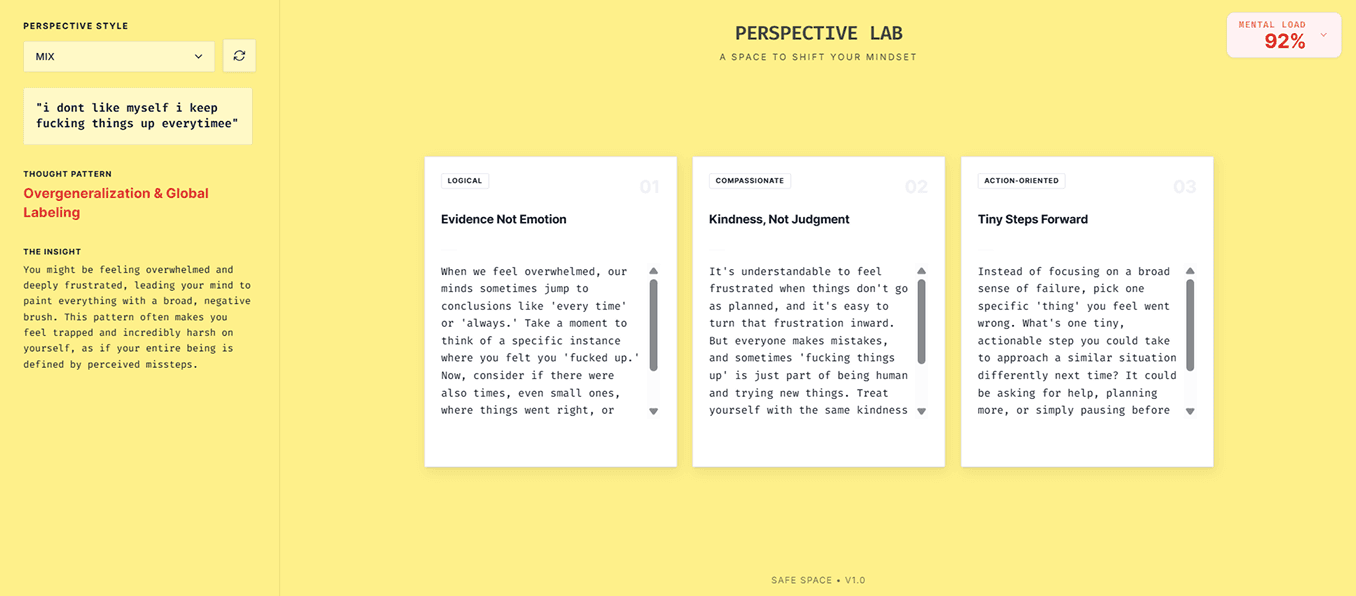
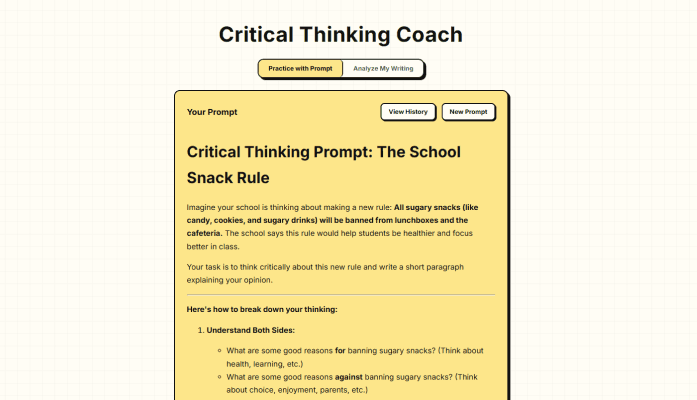
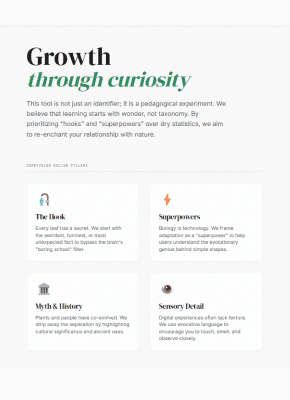
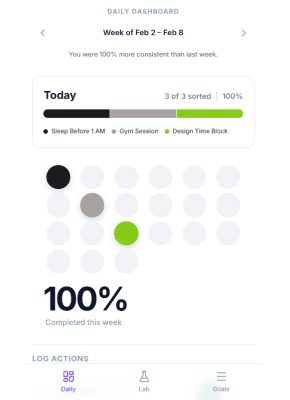
I’ve woven AI into my design practice as both a sandbox and a thinking tool.
I use it to generate, refine, and prototype ideas, while deliberately using it to question my own logic and push my thinking further, not replace it.
AI for Sensemaking
Research synthesis, pattern detection, hypothesis generation, and “reality audits” that catch assumptions early.
My Workflow
I start with Perplexity to scan what already exists, then use Claude to extract themes from anonymized notes. From there, I move into ChatGPT & Notion to cluster insights, and shape them into testable hypotheses with clear next steps.


01
Evidence-first synthesis
Perplexity gives each theme least 2-3 anchors from the competitive analysis & benchmarking session. I try to tag everything as observed, inferred, or speculative.
02
Tensions > Takeaways
I use Claude to not miss the tradeoffs behind the feedback (speed vs reassurance, autonomy vs guidance). That’s usually where the design work lives.
03
Learning in new ways
NotebookLM helps turn dense research papers and studies into digestible summaries so I can actually spot insights without drowning in academic language.
04
Synthetic User Research
I use Chatgpt & Claude to validate or test ideas quick by simulating user feedback sessions, creating personas & asking questions.
AI for Content & Visuals
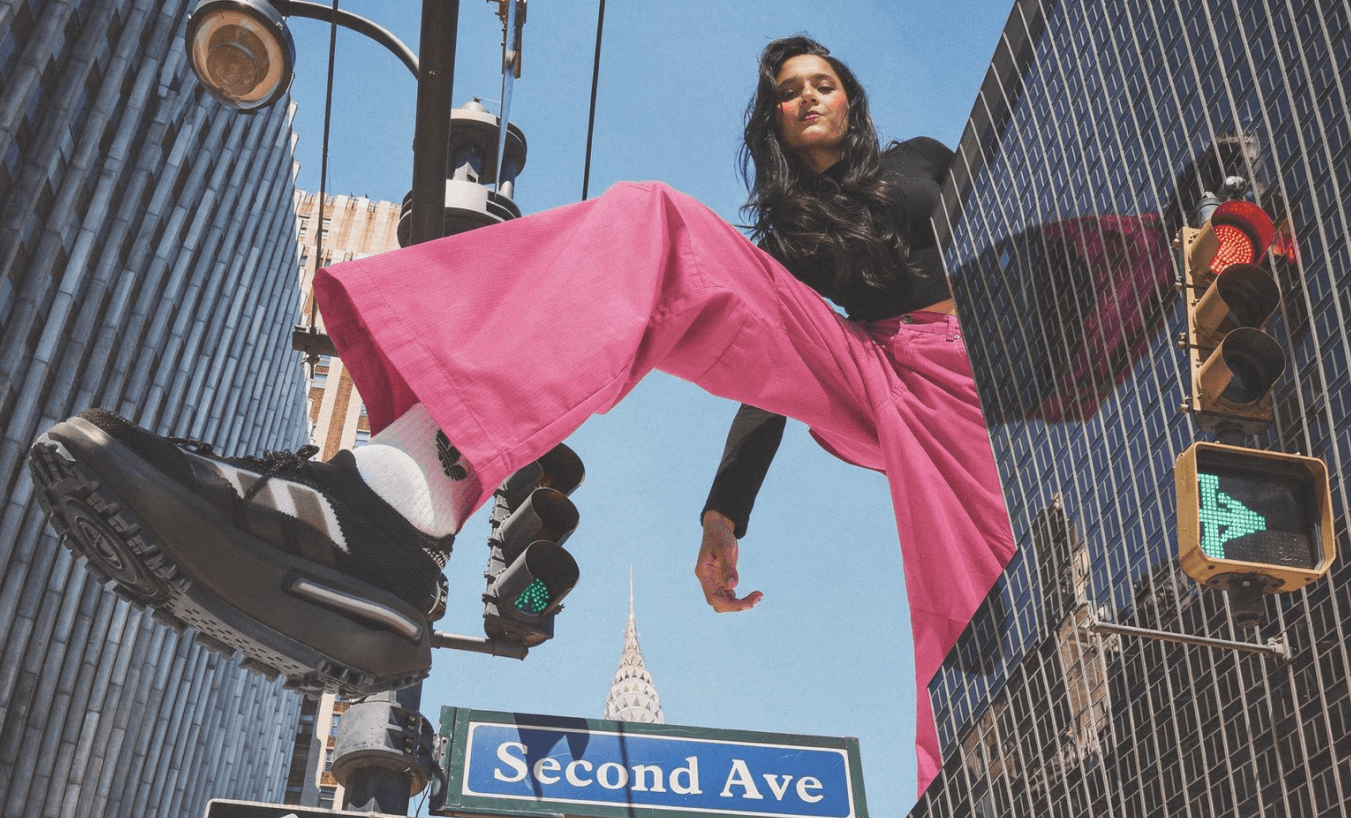
Clearer language & UX, and faster direction-setting: microcopy, content hierarchy, and early visual exploration.

My Workflow
I draft copy & directions in Claude, stress-test it in ChatGPT, then ship. For visuals: explore directions on Black Forest Labs & Canva Magic Studio & then translate to Figma designs.

01
Direction before detail
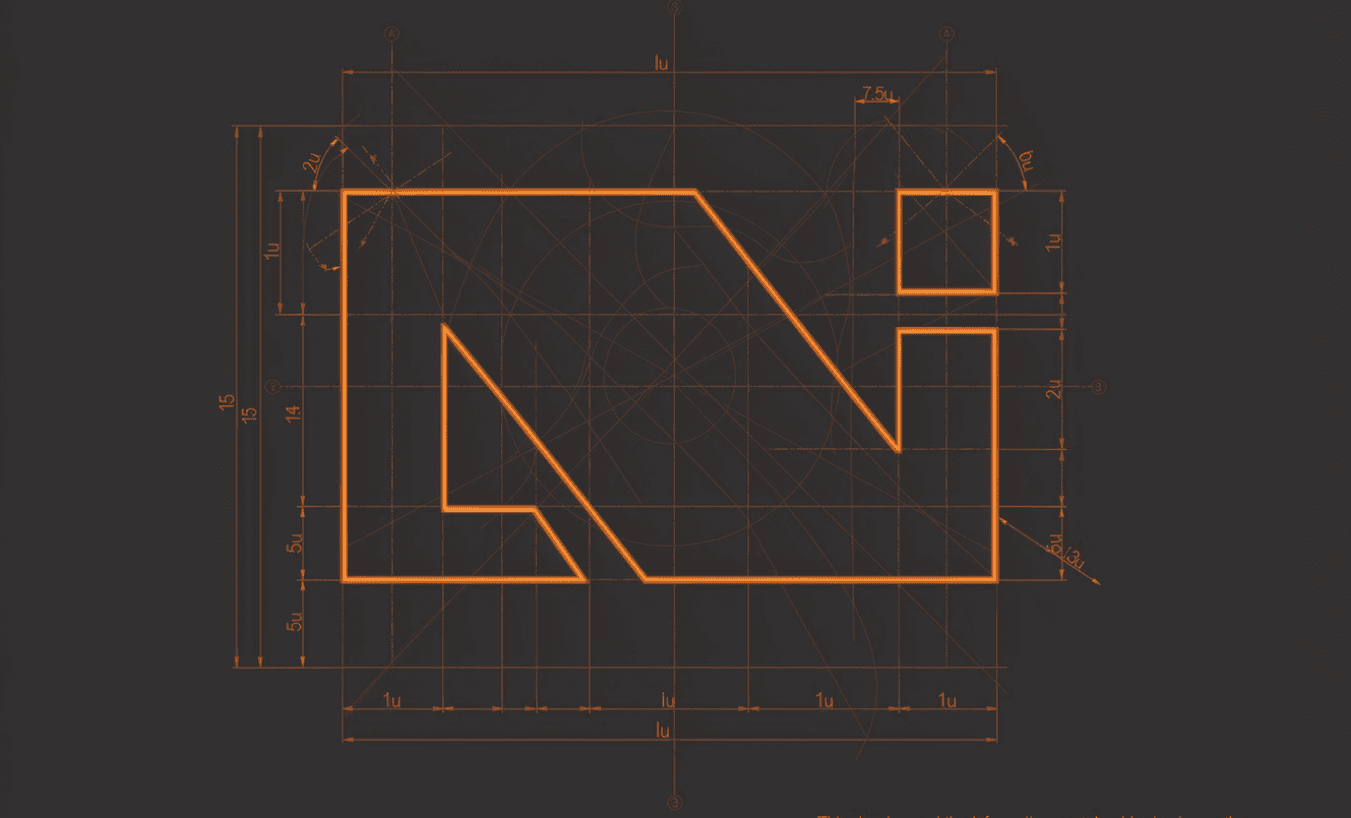
ChatGPT & Claude help in generating multiple visual directions for Black Forest Labs to work on.
02
Pushing beyond what I know
I also pressure-test my copy & visuals from multiple angles & especially when I'm working alone it helps me to think outside the box.
03
Mockups on the go
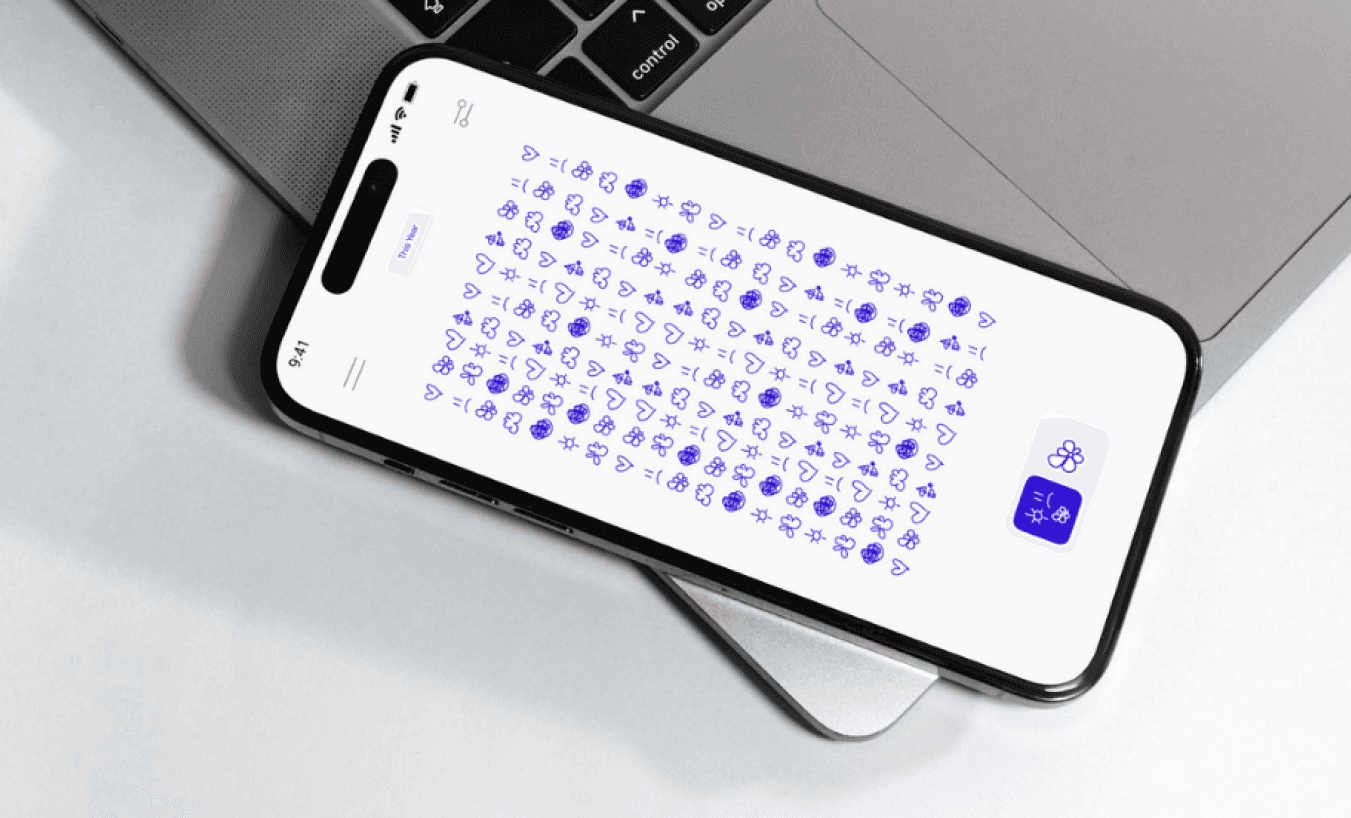
Once I've the icons/visuals etc for Figma sessions, I turn the final designs into versatile mockups using the Canva Magic Studio.
AI for Prototyping
Clearer language & UX, and faster direction-setting: microcopy, content hierarchy, and early visual exploration.